The Privacy Dilemma
Around two years ago, I decided I had enough of Truecaller. While the service is undoubtedly the undisputed Goliath of caller identification, keeping their official app on my phone meant handing over full access to my contact list, SMS inbox, call logs, and continuous background activity.
I spent weeks testing existing FOSS alternatives, but let's be honest: none possessed a caller database anywhere near as comprehensive as Truecaller's. I was caught between two bad options: give up privacy entirely, or navigate unknown calls blind.
That's when I realized a core distinction: caller lookup is just an API call. If I could query the Truecaller endpoint on demand whenever an unknown number rang, Truecaller would only see a single number lookup. They wouldn't know who was calling me, how long the call lasted, or have access to my address book.
Core Objectives
- Achieve real-time caller ID on unknown incoming calls.
- Query Truecaller purely on a request basis without continuous background data collection.
- Prevent background syncing of contacts, messages, and call histories.
- Embed the solution seamlessly into an open-source Android dialer interface.
The Journey & Engineering Struggles
Turning this idea into reality took nearly two years of trial, error, abandoned side-projects, and community collaboration.
📱 The Initial Flutter Prototype (BaseCaller)
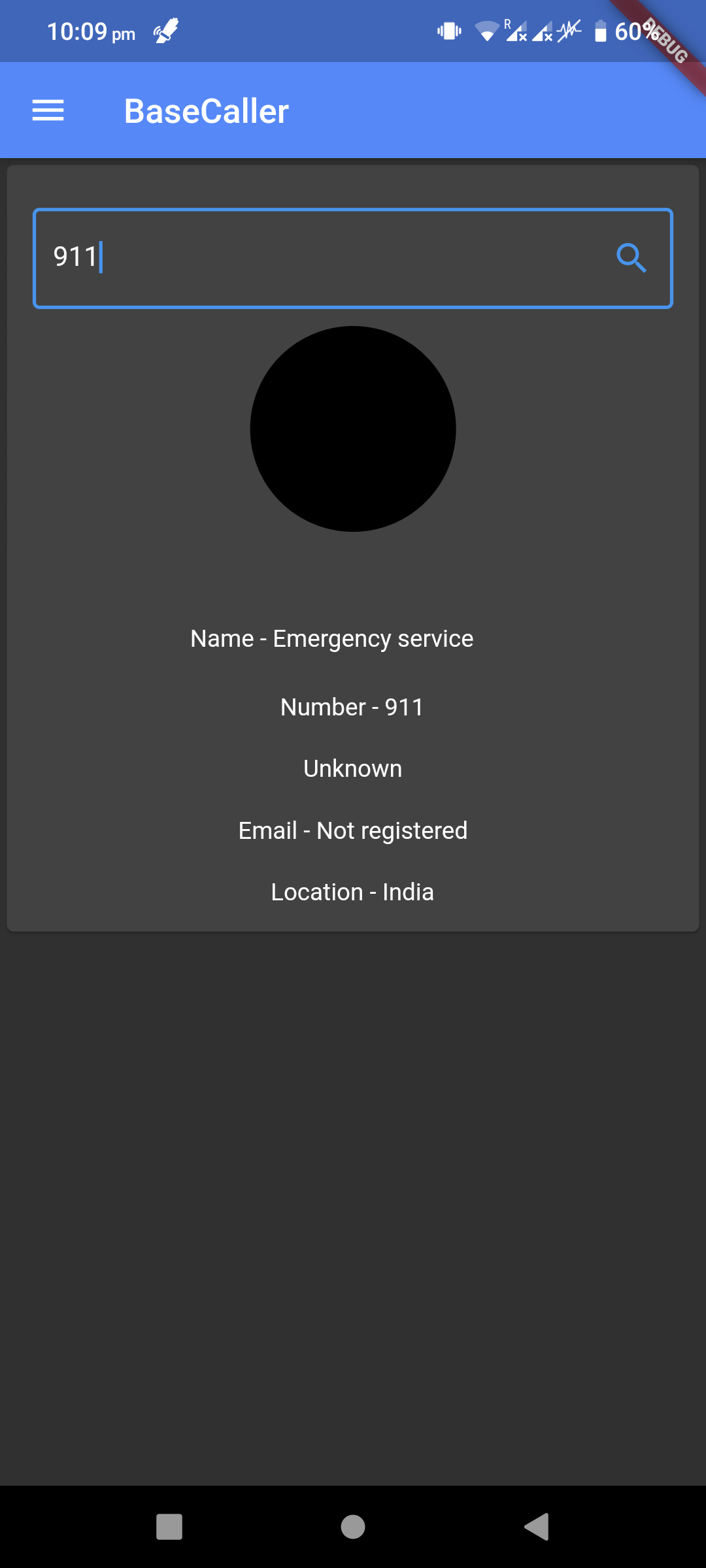
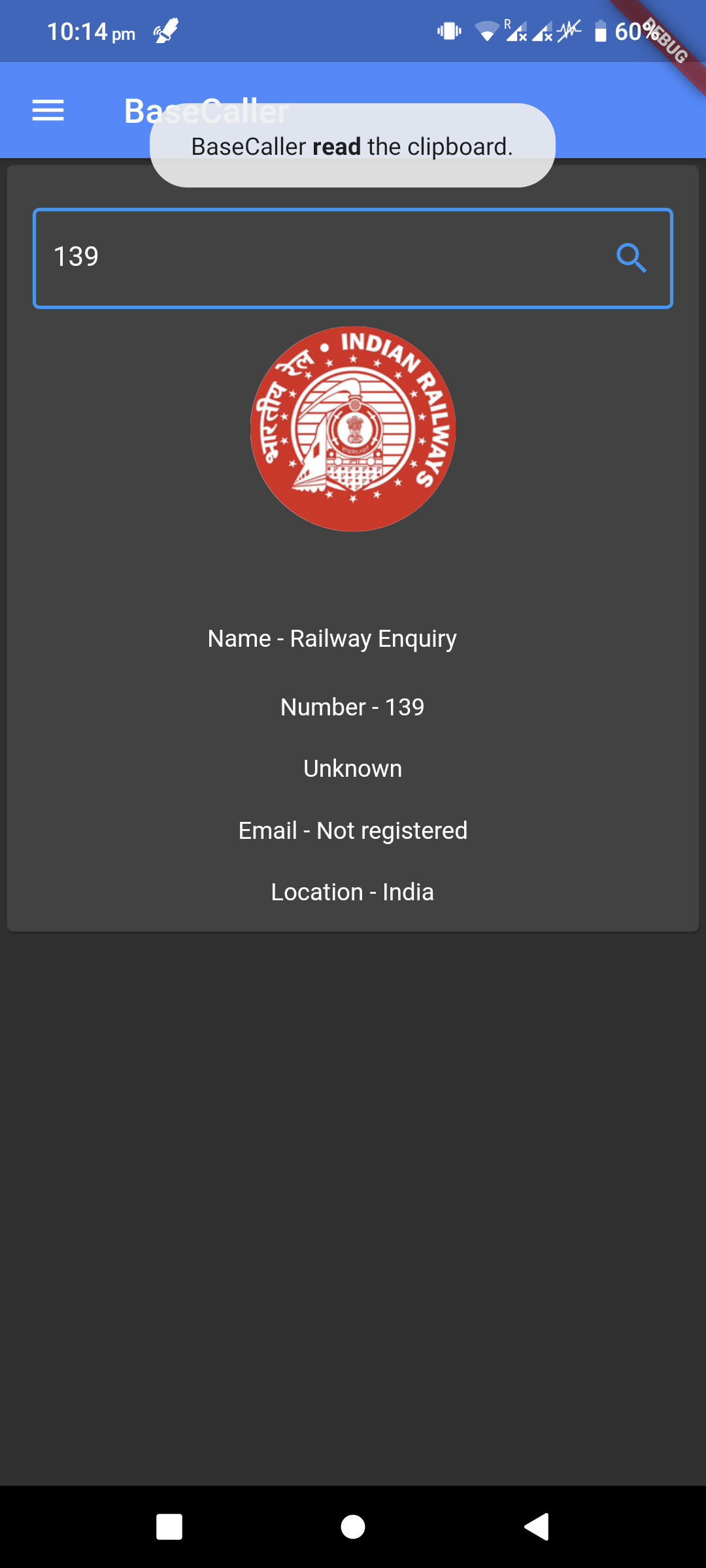
I kicked off the experiment by building a Flutter proof-of-concept application aptly named BaseCaller. Getting the API requests working in Flutter was a quick win; queries returned accurate names immediately!
However, my lack of deep native Android experience quickly caught up with me. I struggled immensely trying to render a native draw-over-apps incoming call overlay (`System Alert Window`) in Flutter. Without a real-time overlay floating over incoming call screens, BaseCaller was reduced to a manual search tool rather than an active caller ID solution. Frustrated, I shelved the project.
https://github.com/DreadedLama/BaseCaller
🔧 Forking Simple Dialer
Instead of trying to reinvent the entire phone dialer from scratch, I decided to leverage an existing FOSS giant: Simple Dialer (created by Tibor Kaputa).
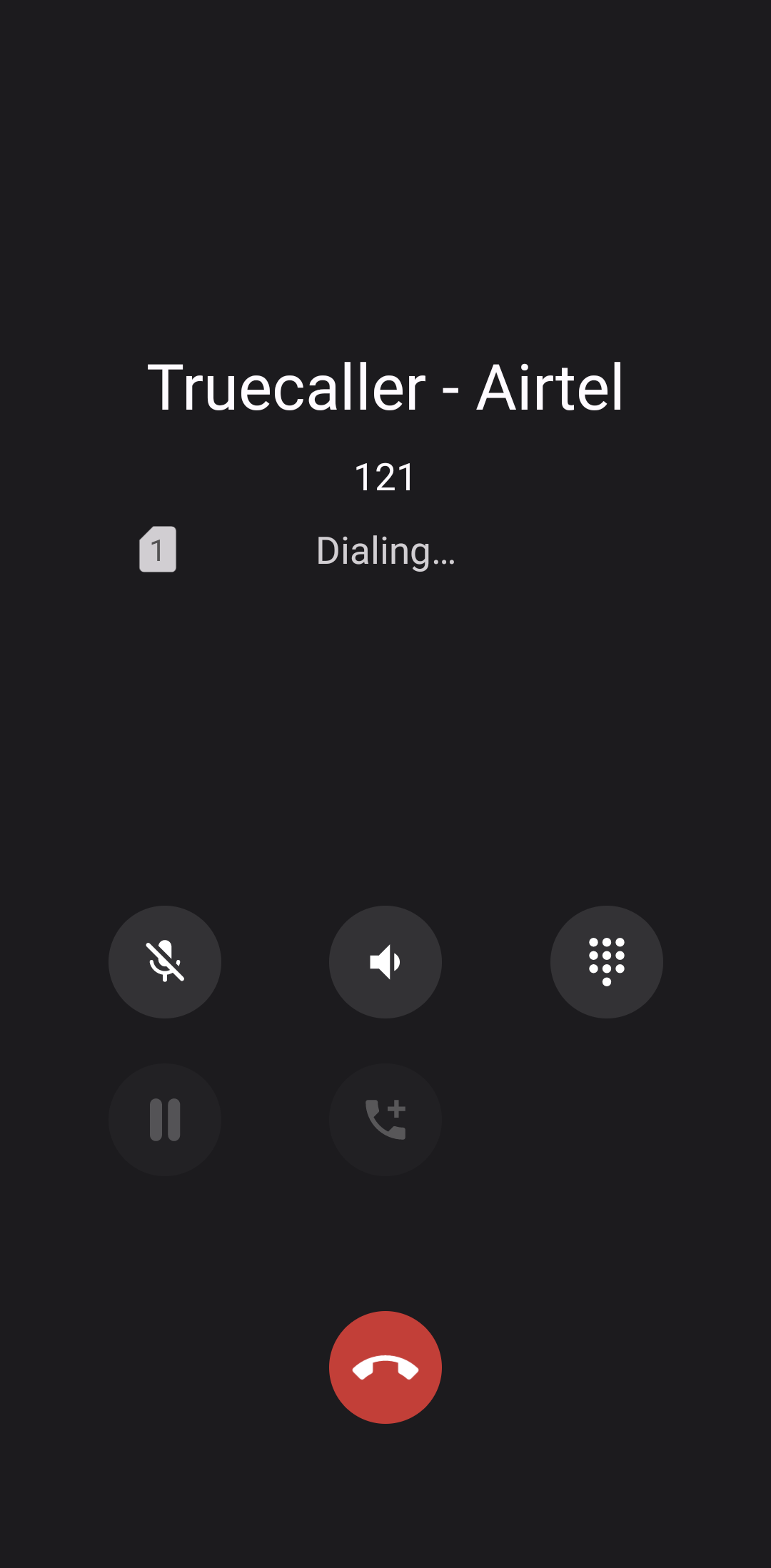
I decompiled network structures, reverse-engineered token headers, and patched the Truecaller API call directly into Simple Dialer's native Android call listener. Suddenly, it worked seamlessly: when an unknown call arrived, the app pulled caller data dynamically right onto the ringing screen.
💬 The Reddit Tasker Pivot & Project Pause
I shared my technical approach on Reddit. A user (anuraag488) took my reverse-engineered endpoint findings and crafted a brilliant Tasker profile to handle the workflow automatically.
Since using Tasker required zero app maintenance on my end, I parked my Simple Dialer fork and used the Tasker profile for over a year and a half.
🚀 Resurrecting the Fork & In-App Search
After 1.5 years, a community member reached out asking if I could update my Simple Dialer fork to match the latest upstream codebase.
With some free time on my hands, I pulled down the massive upstream updates, resolved merge conflicts, and decided I wasn't putting the code away until I built the missing feature I originally wanted: full in-app number searching directly inside the dialer search bar.
The Final Result
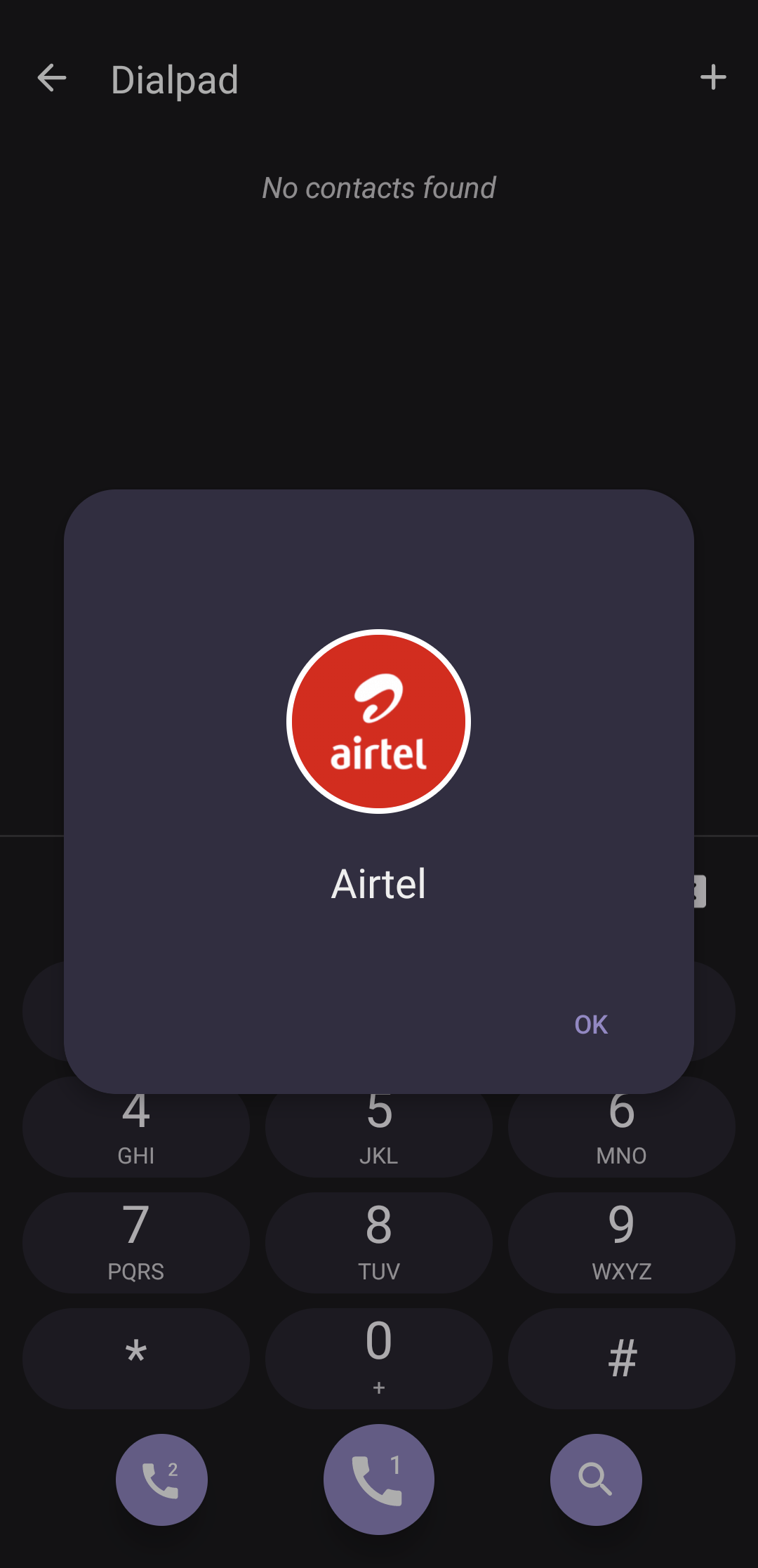
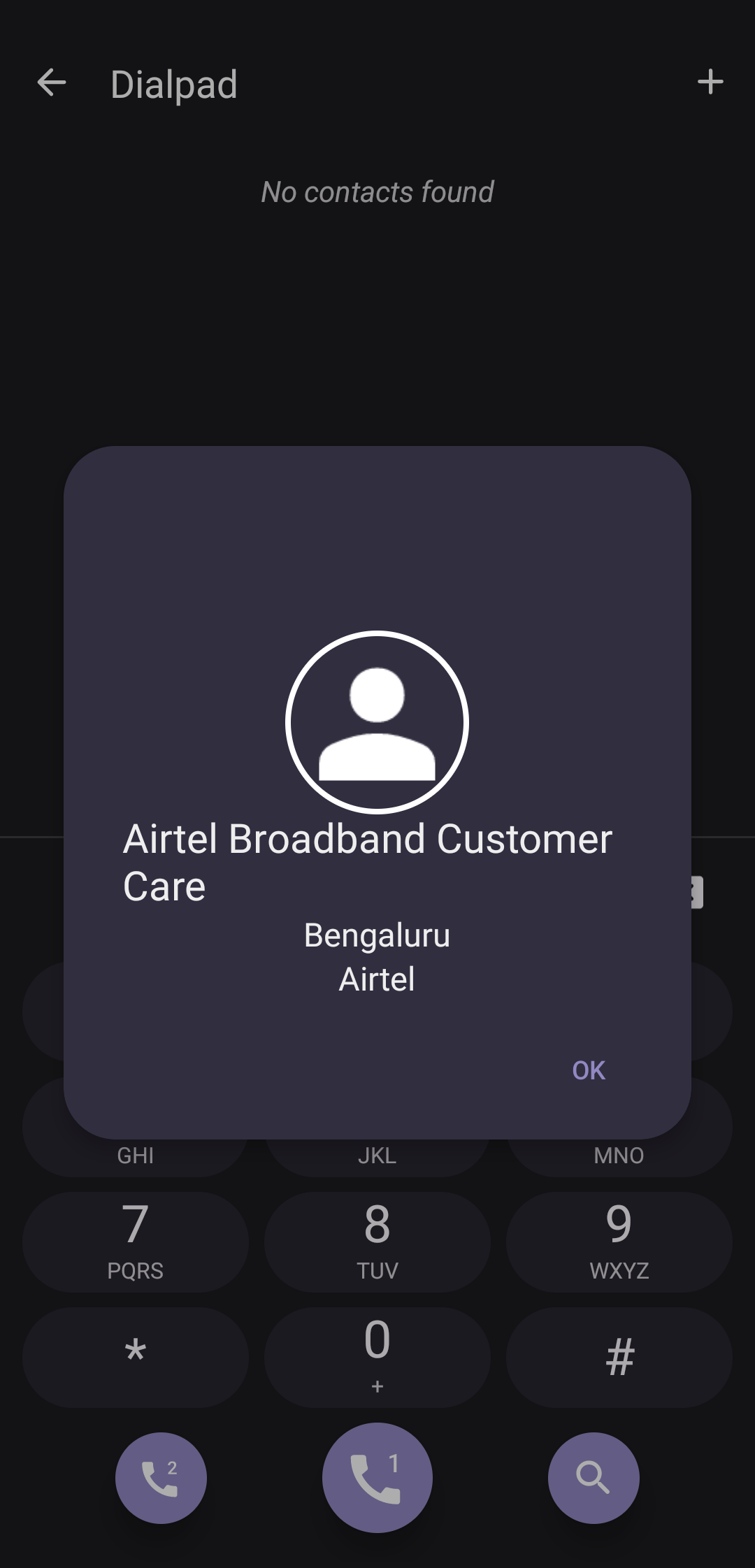
The resulting fork fetches a caller's full name, profile picture, location city, and telecom carrier information dynamically, using only a lightweight Truecaller authentication token.
Key Features
- Live Caller Identification: Detects unknown incoming callers in real time.
- Integrated Number Search: Look up any number directly from the dialer search bar.
- Rich Details: Displays caller name, avatar image, city, and carrier info.
- Clean Upstream Sync: Built on top of the modern, minimalist Simple Dialer codebase.
- 100% Open Source: Full transparency with zero telemetry or hidden telemetry hooks.
Authentication & Privacy Strategy
To query Truecaller's API, the dialer requires a valid authentication token. Obtaining this token requires a one-time verification.
🔒 The One-Time Setup Privacy Trick
To get your auth token, you must temporarily install the official Truecaller app to complete SMS/OTP registration.
To completely neuter Truecaller's data collection during this brief setup:
- Install a permission manager like App Manager (FOSS) or Rikka's App Ops (using Shizuku).
- Revoke/Disable all App Ops permissions (Contacts, SMS, Phone, Call Logs, Storage) before launching Truecaller.
- Log in, extract your installation token following the guide in my GitHub README, and immediately uninstall Truecaller forever!
Resources
- Simple Dialer Fork - GitHub Repository
- BaseCaller Prototype - GitHub Repository
- Reddit Discussion - Reddit Thread
- Original Medium Article - Medium Post